ITRADENETWORK 2019-2023
ORDERMAESTRO • B2B SAAS • SUPPLY CHAIN
ENTERPRISE ORDER & INVENTORY MANAGEMENT, REDESIGNED FOR MOTION
The product lived at the desk.
Its users did not.
A mobile-first redesign that helped foodservice teams manage complex orders, inventory, and approvals wherever the work happened.
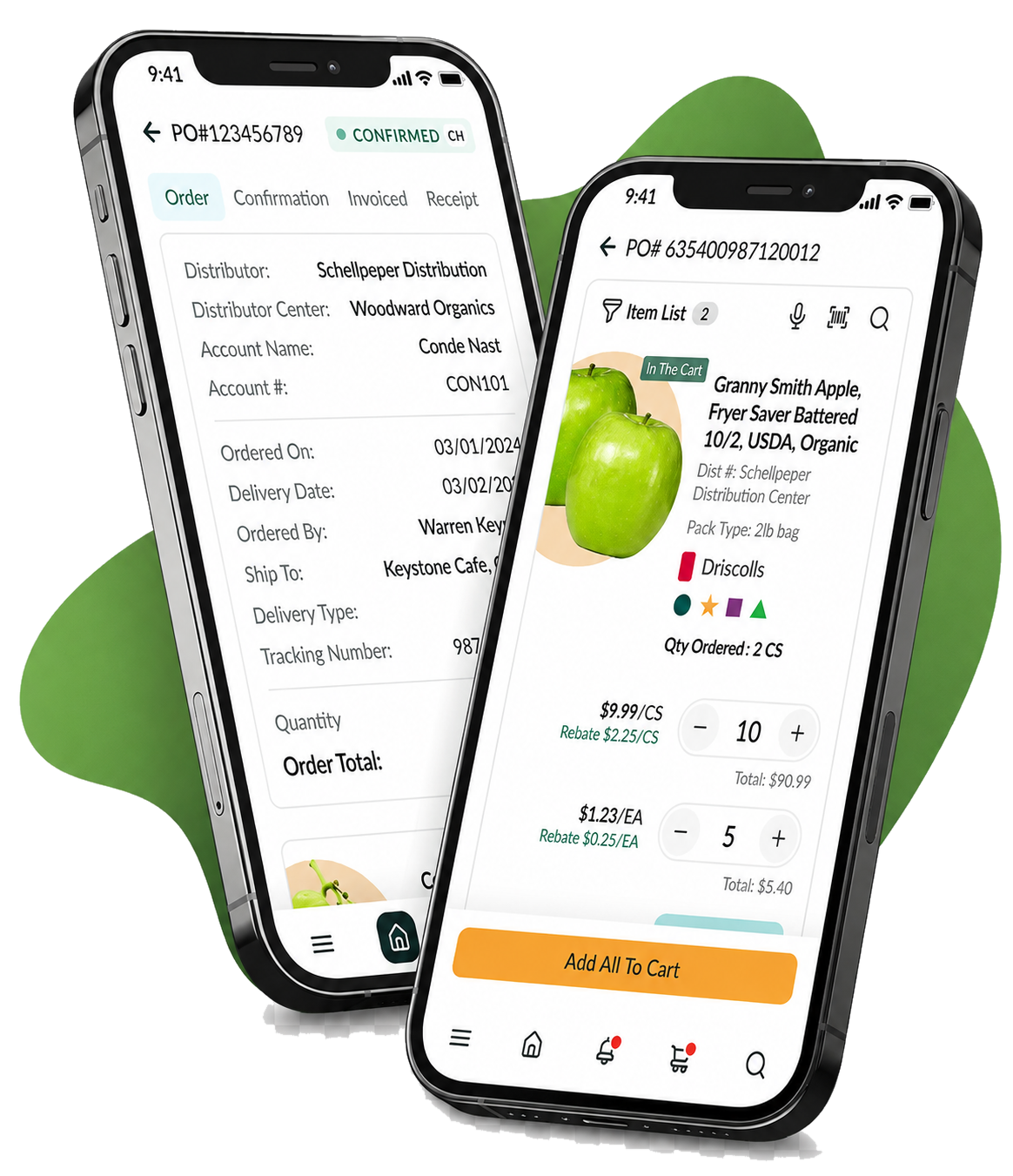
I owned the experience end to end—from research and workflow definition through interaction design, prototyping, testing, design-system development, and implementation support.
MY ROLE
Senior product designer
OWNERSHIP
End-to-end product design
TEAM
Product, Engineering, QA & Customer teams
PLATFORM
Mobile, tablet & desktop
75%
higher task completion
25%
revenue growth
80%
less time on task
40%
increase in acquisition
WHY THIS MATTERED
A critical product with a large user base — and stalled growth.
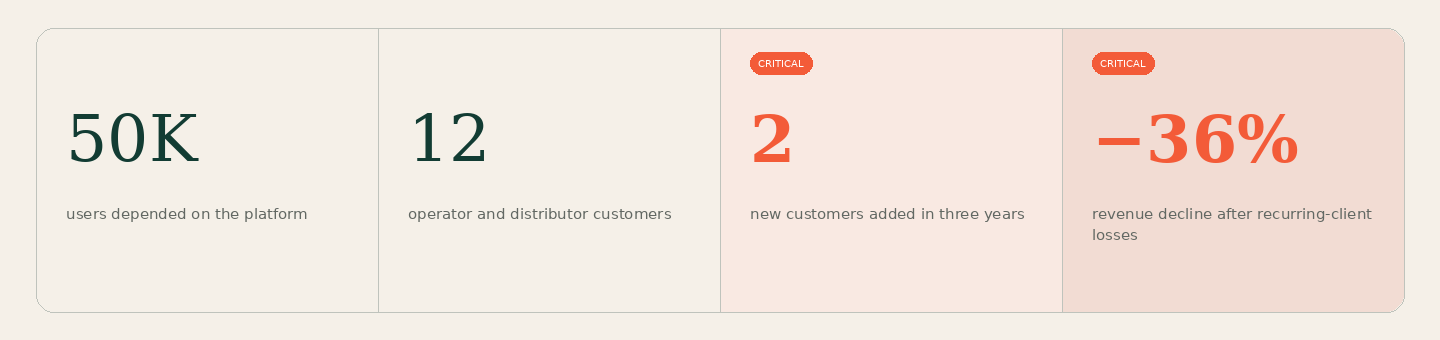
OrderMaestro was iTradeNetwork’s second-largest product and supported approximately 50,000 users. It had secured three of the five largest foodservice operators, but an outdated desktop-only experience limited new market penetration.
01 / CONTEXT
Enterprise software had become a bottleneck for people doing real work.
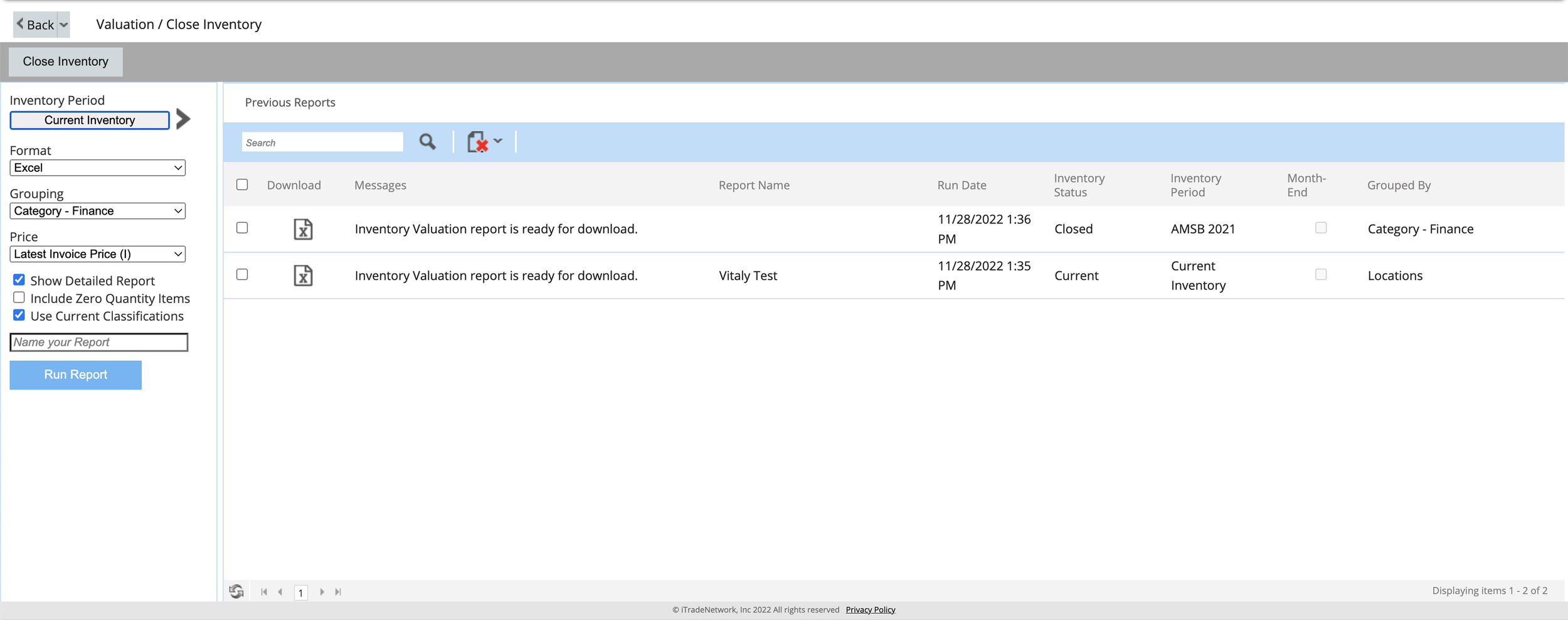
OrderMaestro supported high-volume foodservice operations, but its desktop-first experience required users to return to a workstation for everyday tasks. Sales reps, warehouse teams, and operators needed to check orders, resolve issues, and update inventory while moving through their day.
BEFORE
A dense desktop interface designed around the database -not the task.
Critical information was buried across screens, common actions took too many steps, and mobile access was an afterthought.
PRODUCT DIAGNOSIS
The challenge was bigger than an outdated interface.
Users spent roughly 75% of their workday moving through facilities, yet order visibility stopped when they left a desk.
01. Desk-dependent workflows
An earlier mobile attempt existed, but customers did not use it—proving that availability alone was not enough.
02. Failed mobile adoption
Inventory quantities could not be saved without service, undermining the module in the places where it was most needed.
03. Unreliable connectivity
Exact-match search and buried order changes slowed product discovery and made exceptions easy to miss.
04. Difficult discovery & visibility
WHAT SUCCESS LOOKED LIKE
Move essential work off the desktop—without losing enterprise confidence.

Work anywhere
Complete ordering, approvals, and inventory tasks away from a workstation.

Move faster
Reduce the time and effort required to find products and complete everyday work.

Support growth
Create a modern, connected product that helps retain customers and win new business.
02 / DISCOVERY
Three insights reframed the redesign.
RESEARCH SYNTHESIS
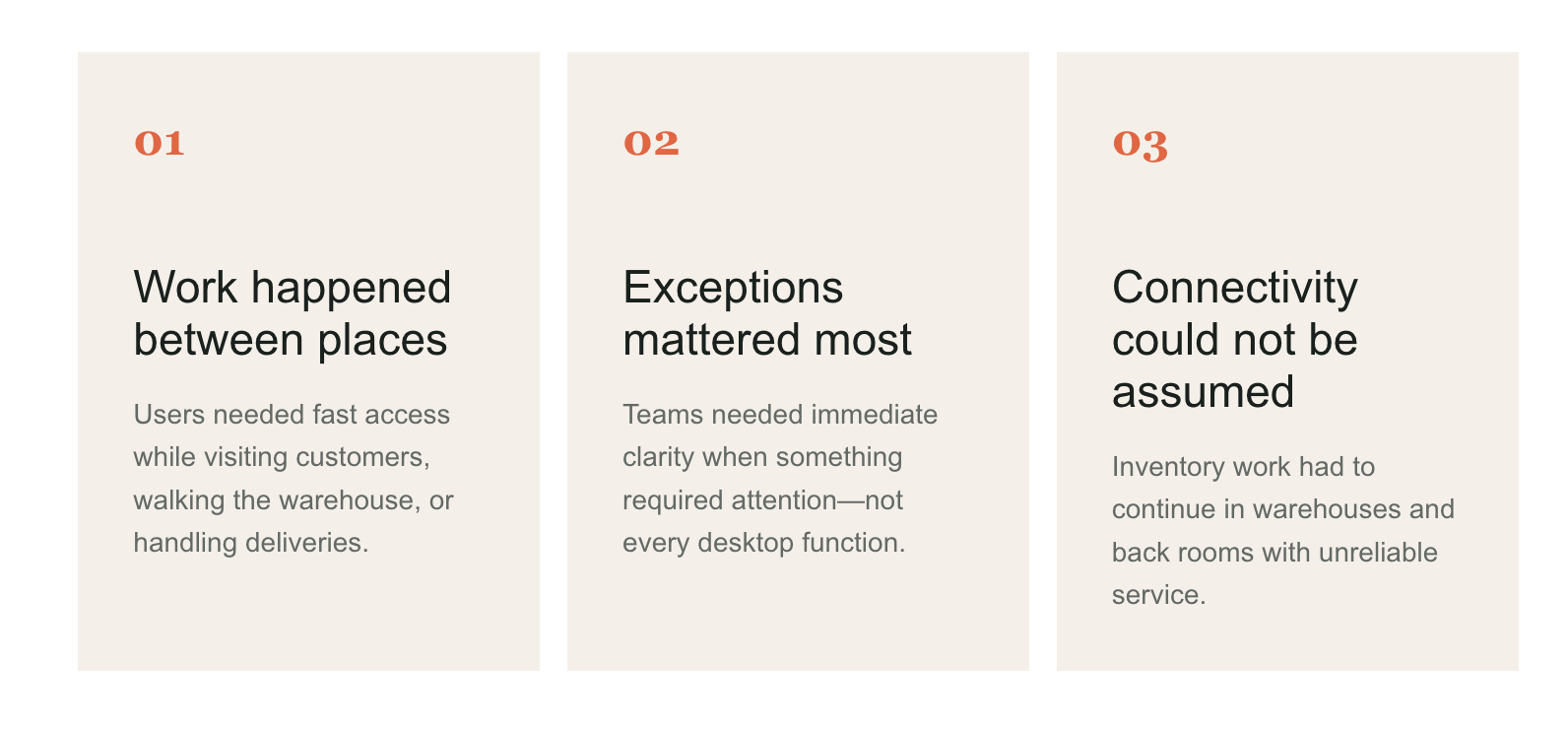
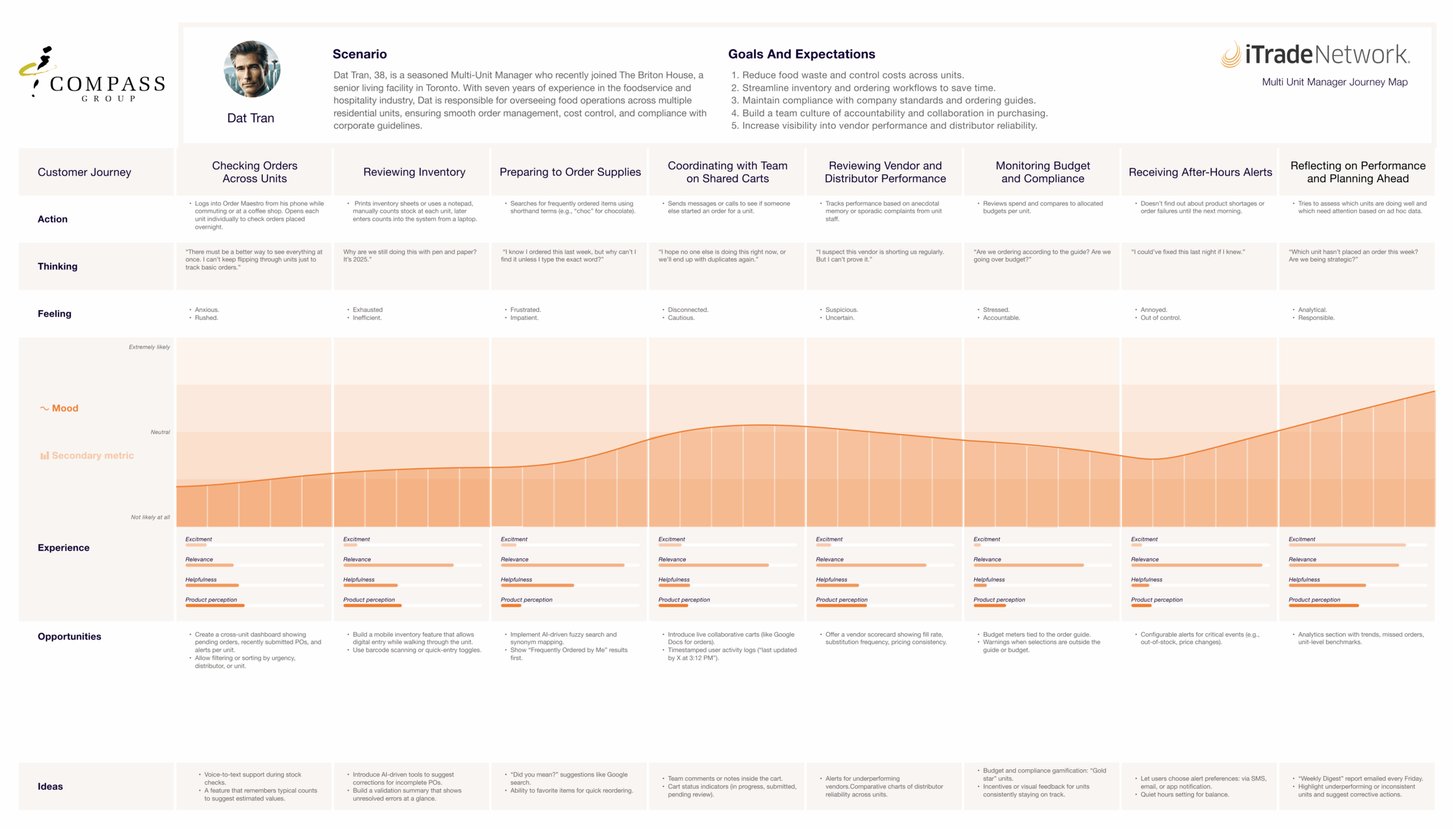
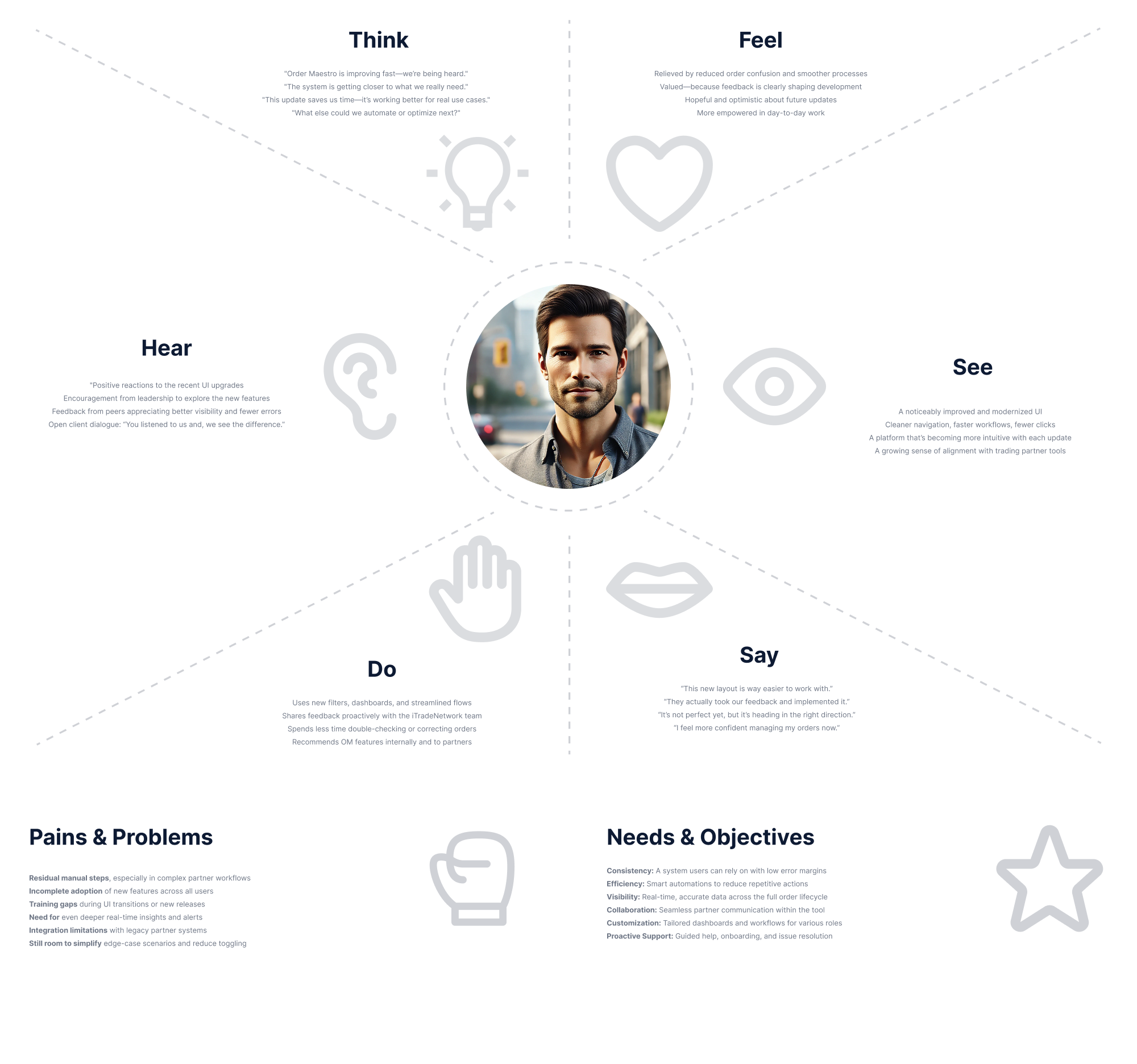
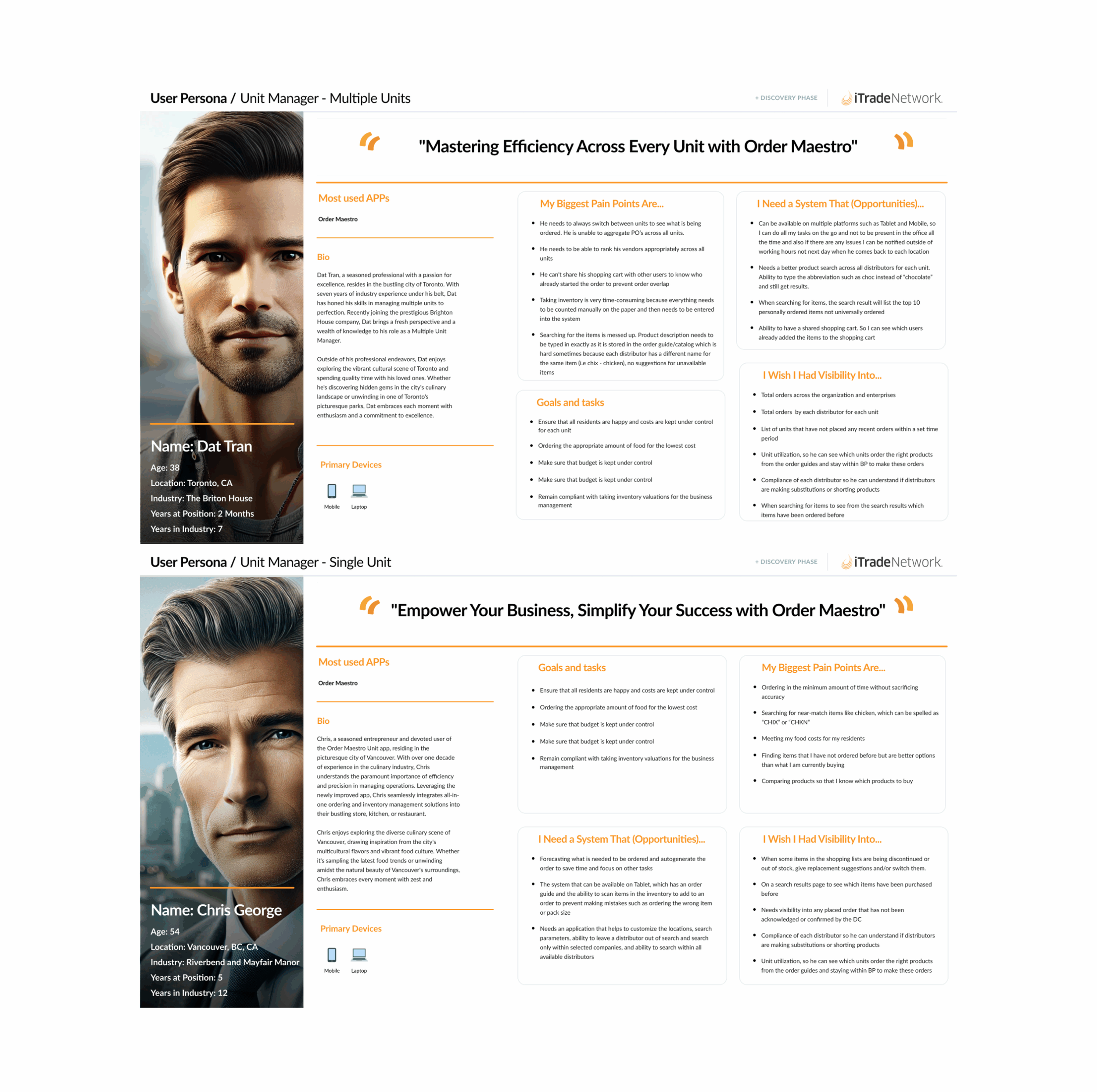
Stakeholder interviews, user feedback, journey mapping, and competitive analysis showed that the opportunity was larger than shrinking a desktop product.
HOW I SHAPED THE SOLUTION
Research grounded in real workflows—not a checklist of features.
I connected user routines and physical environments to the operational and business pain behind each request.
1.
Observe the work
Prototype the moments that matter
I focused mobile concepts on high-value decisions, exceptions, and inventory work away from a desk.
2.
I partnered with product and engineering on constraints, tested with customers, and supported implementation through QA.
3.
Align through delivery
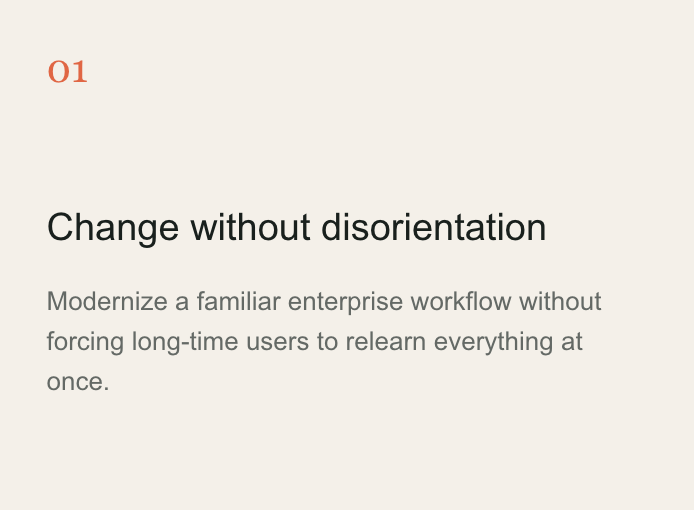
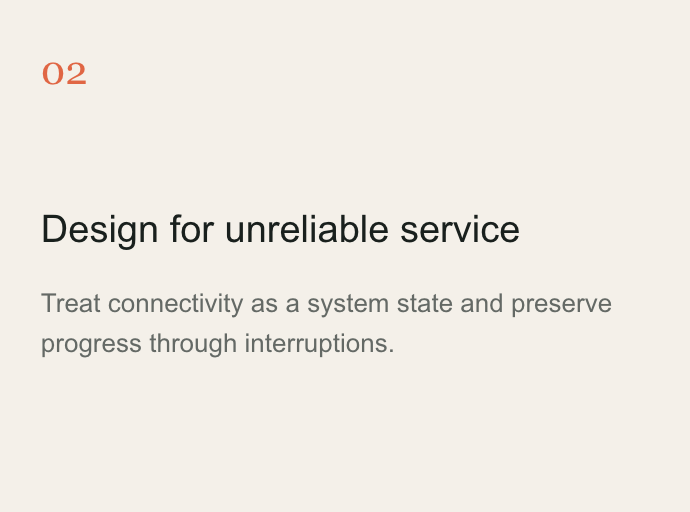
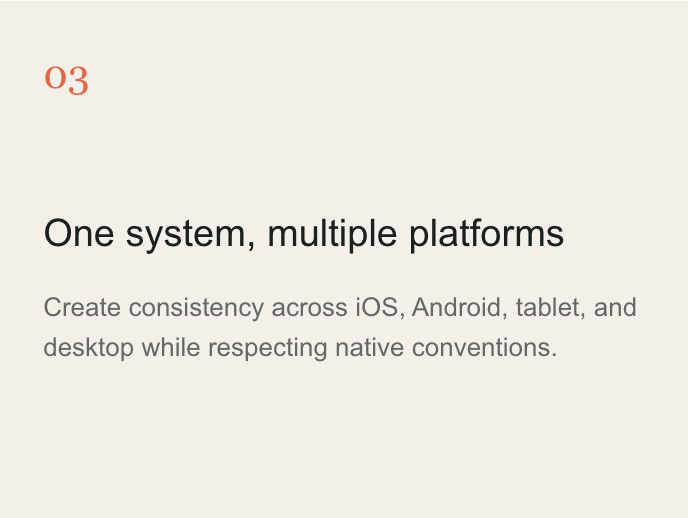
The hardest constraints became design principles.
DESIGN CONSTRAINTS
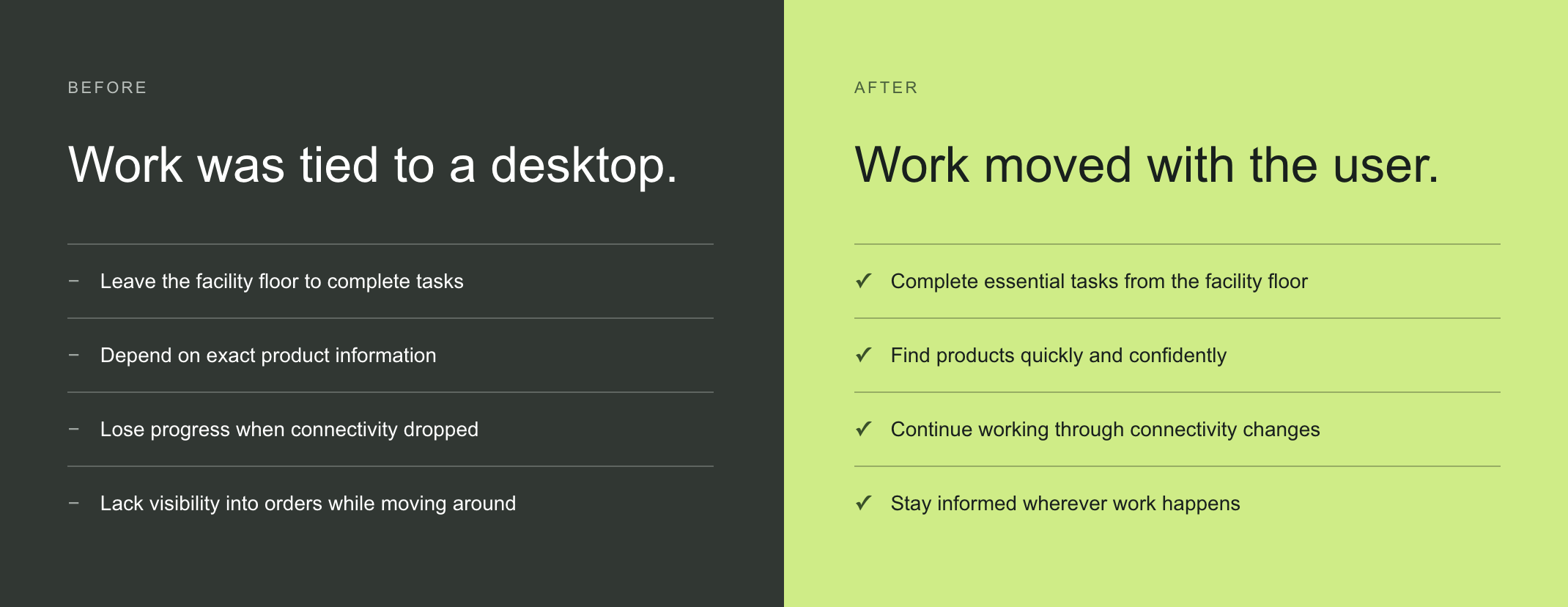
THE EXPERIENCE TRANSFORMATION
From desk-dependent
to mobile-first.
This was not one linear workflow. It was a fundamental change in where and how essential work could happen.
03 / SOLUTION
01 · Prioritized order view
MOBILE-FIRST, NOT MOBILE ONLY
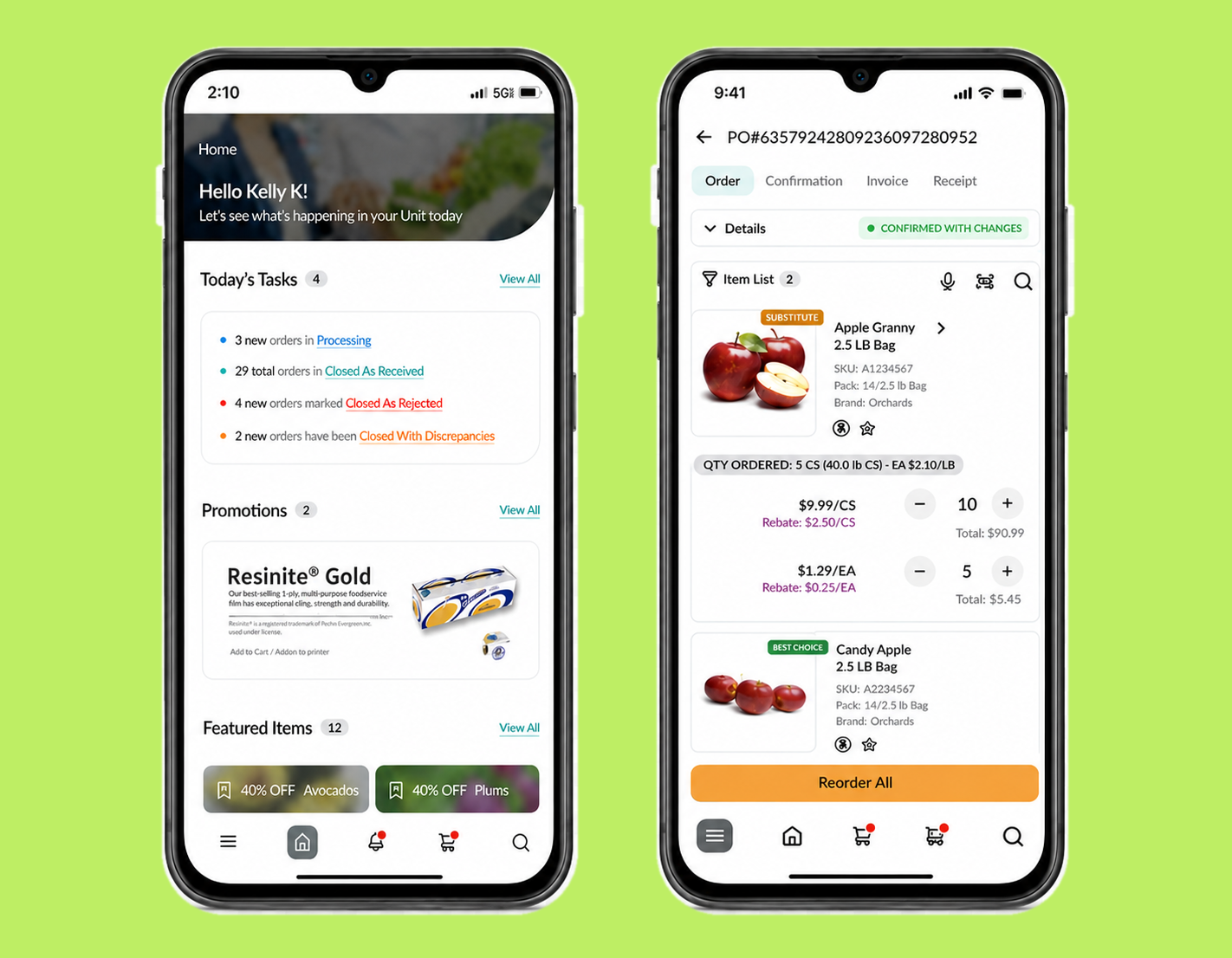
I restructured the product around the work users needed to complete away from a desk: finding orders quickly, understanding status, resolving exceptions, and maintaining inventory.
A focused experience for decisions on the move.
See what needs attention—without hunting for it.
Scannable order cards surface customer, value, and status at a glance. Filters reflect operational states, making it easier to move from a notification to the right action.
Clear status hierarchy
Task-based filtering
High-value information first
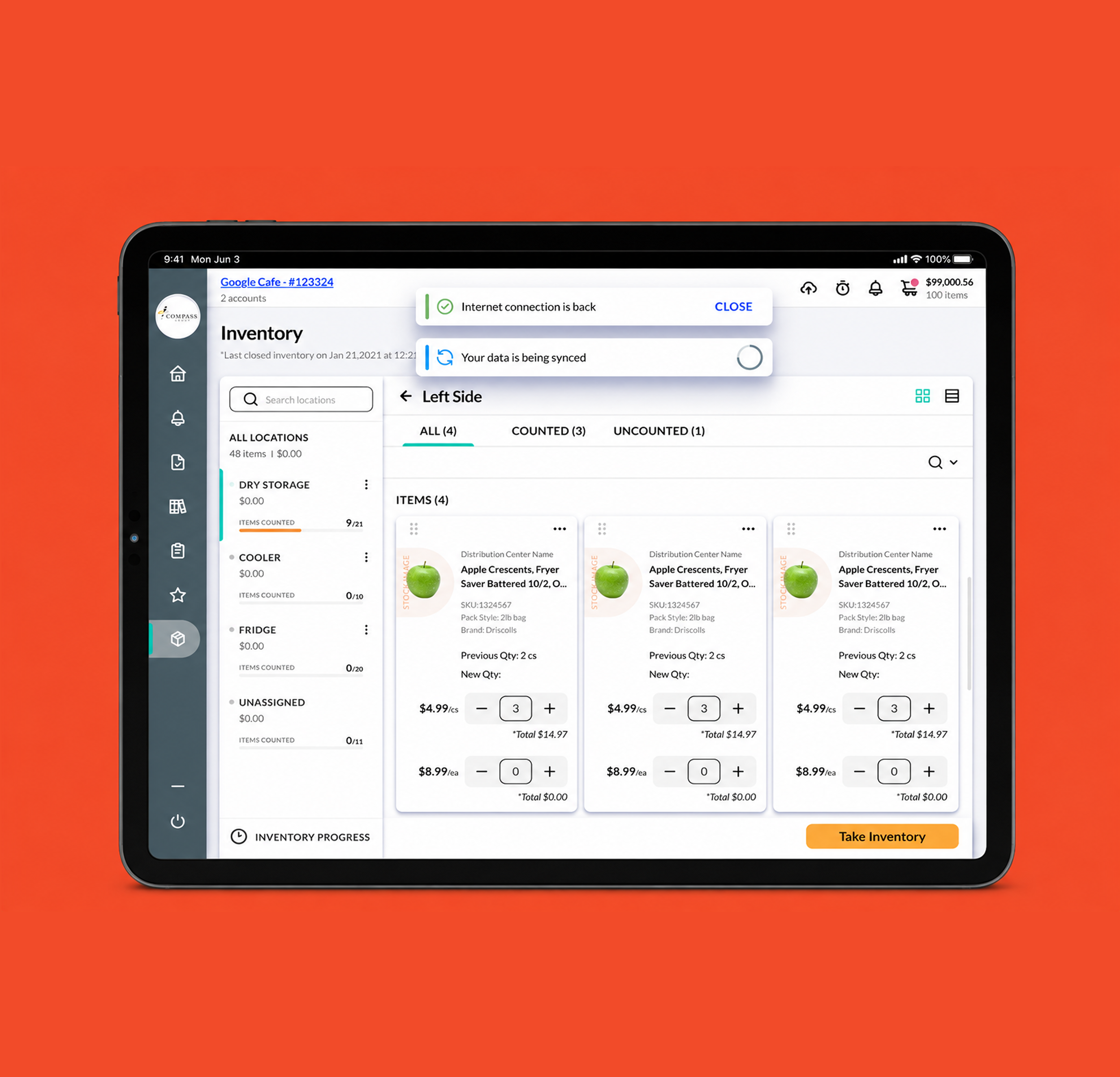
02 · Resilient inventory
Keep counting—even when the connection drops.
Rather than treating a lost connection as an error, I designed inventory counts to save locally and synchronize automatically when service returned.
MORE THAN A MOBILE SHELL
Four capabilities targeted the highest-friction moments.
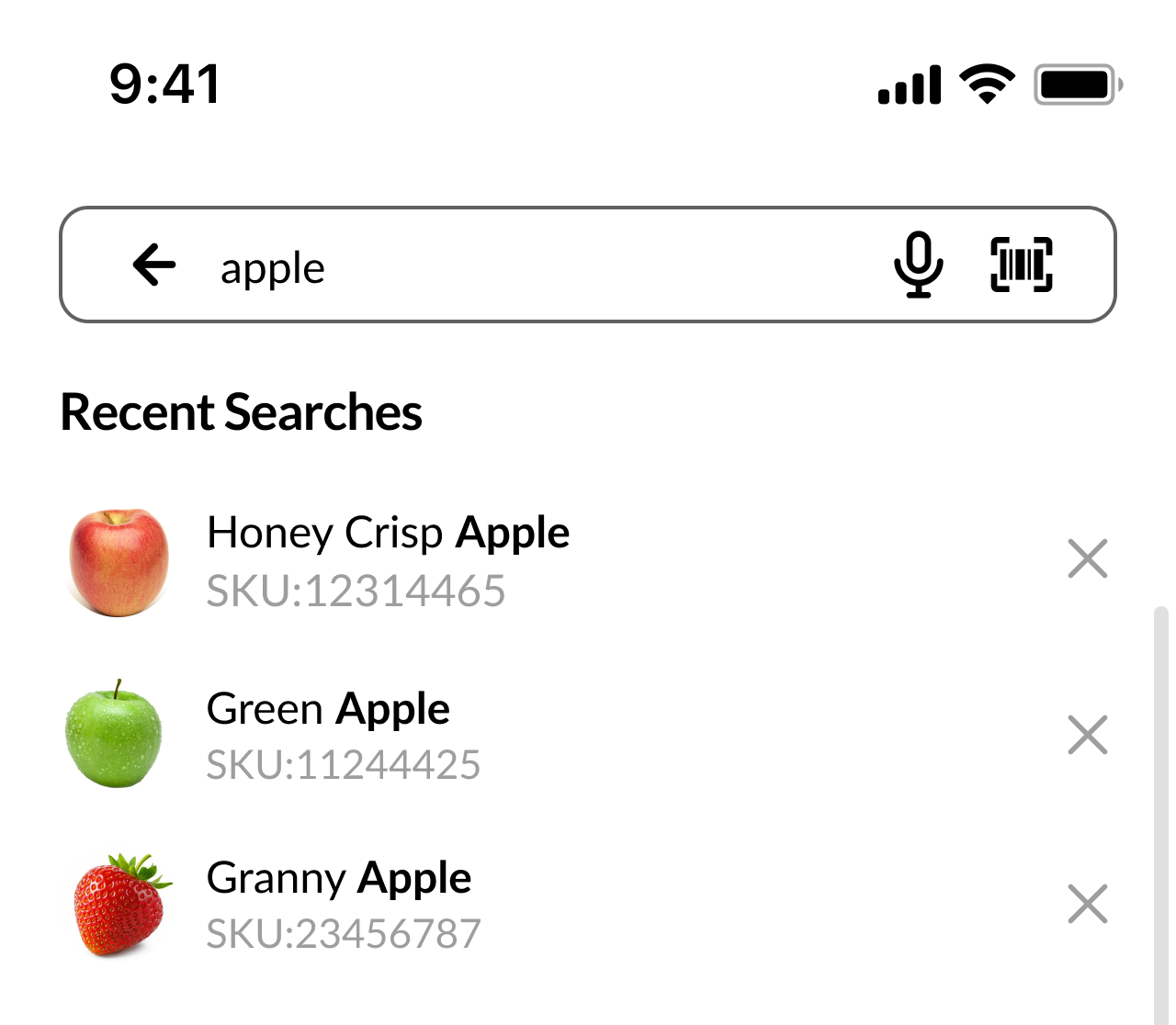
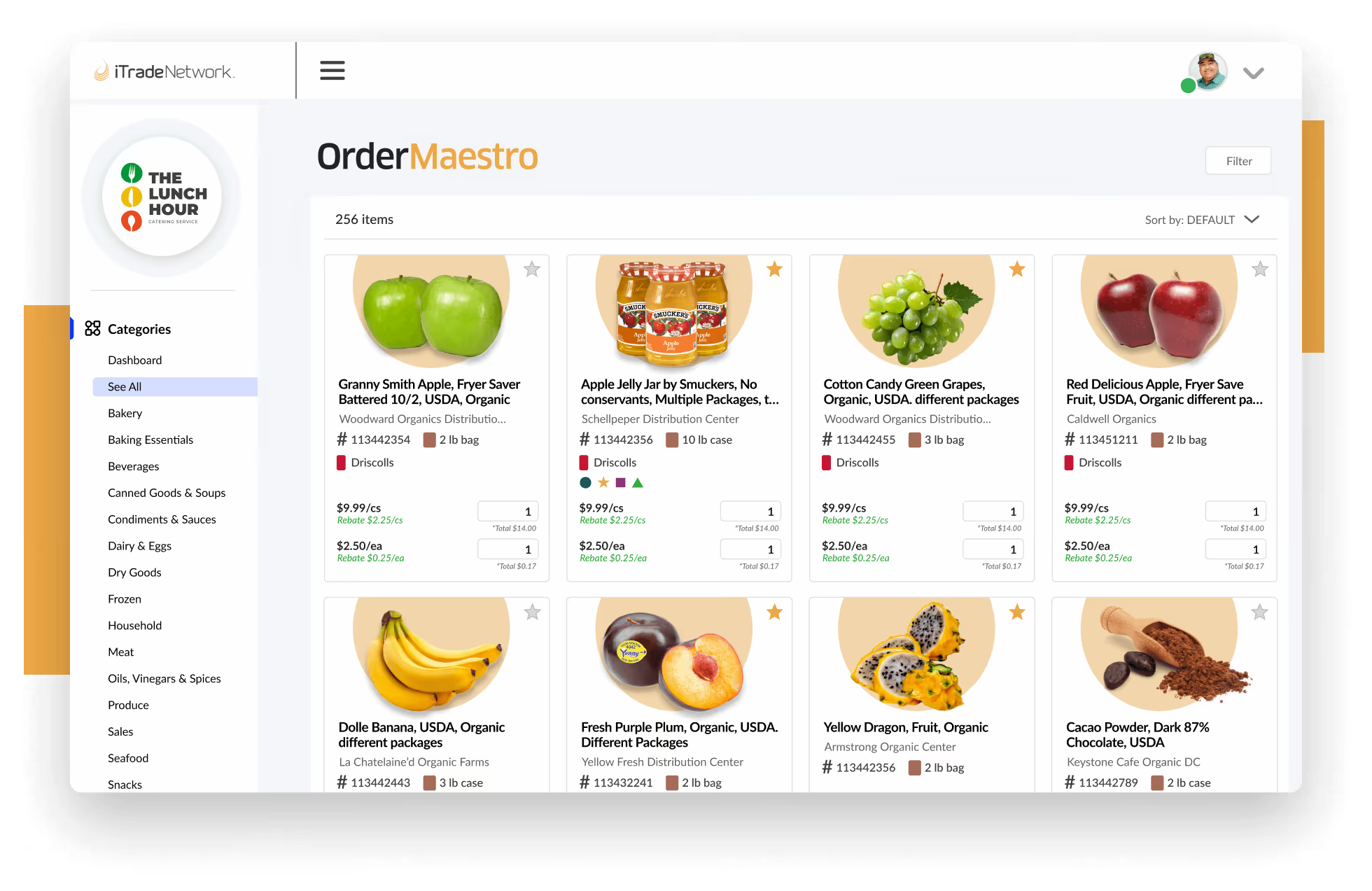
Fuzzy matching helped users find products without remembering exact catalog descriptions across order guides.
Elastic Search
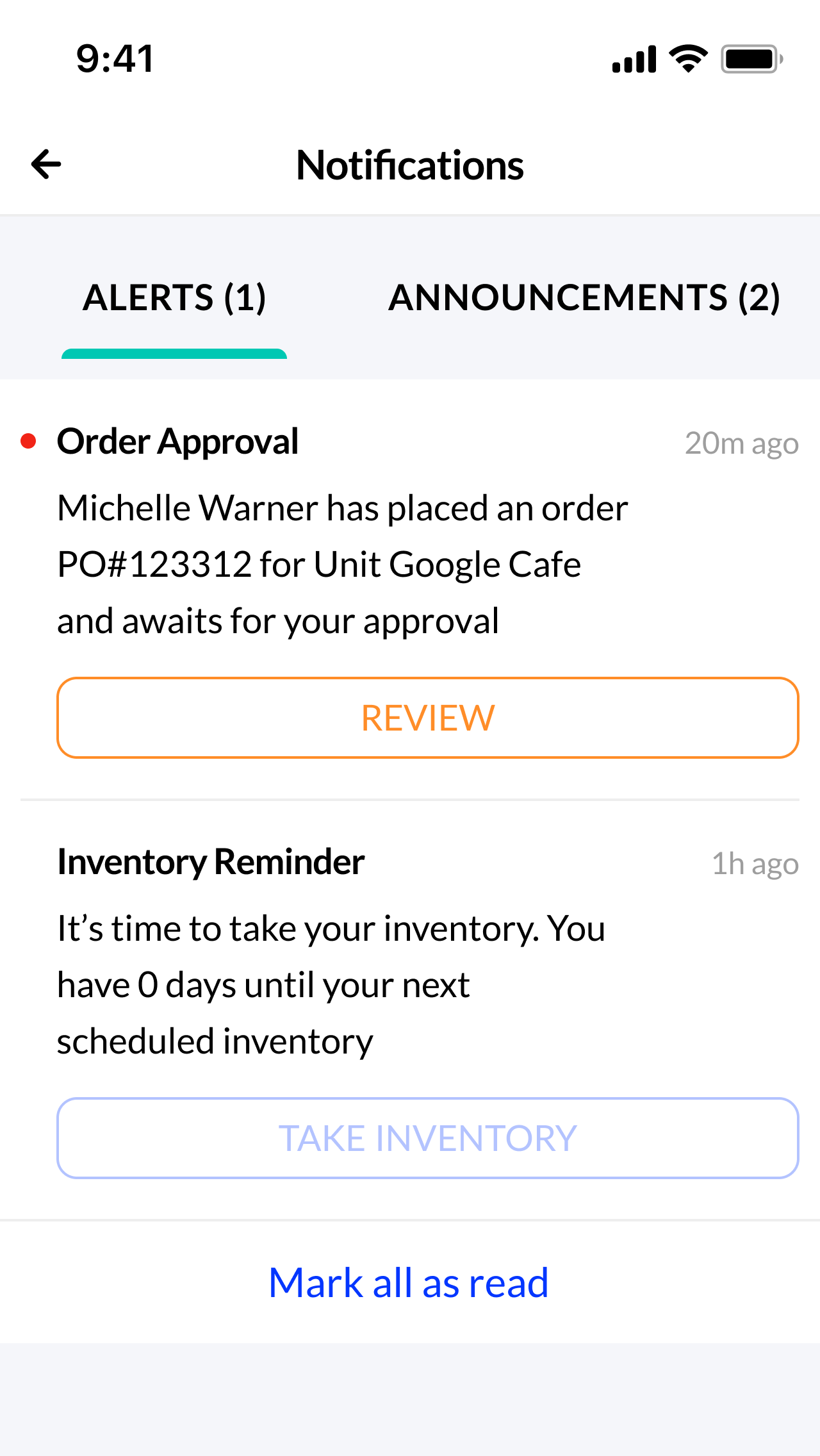
Actionable notifications
Substitutions, stock issues, announcements, and order changes stayed visible away from the desk.
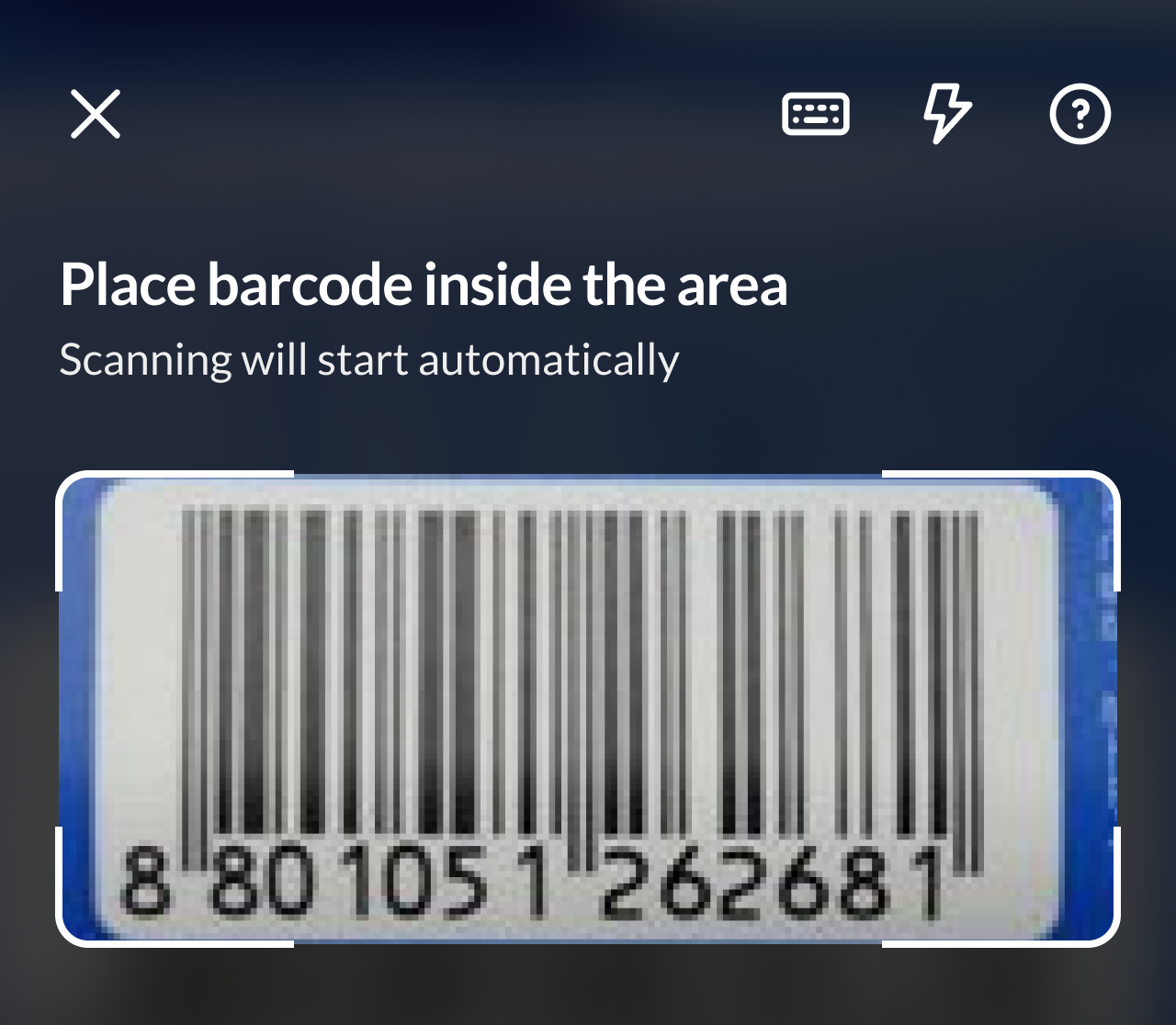
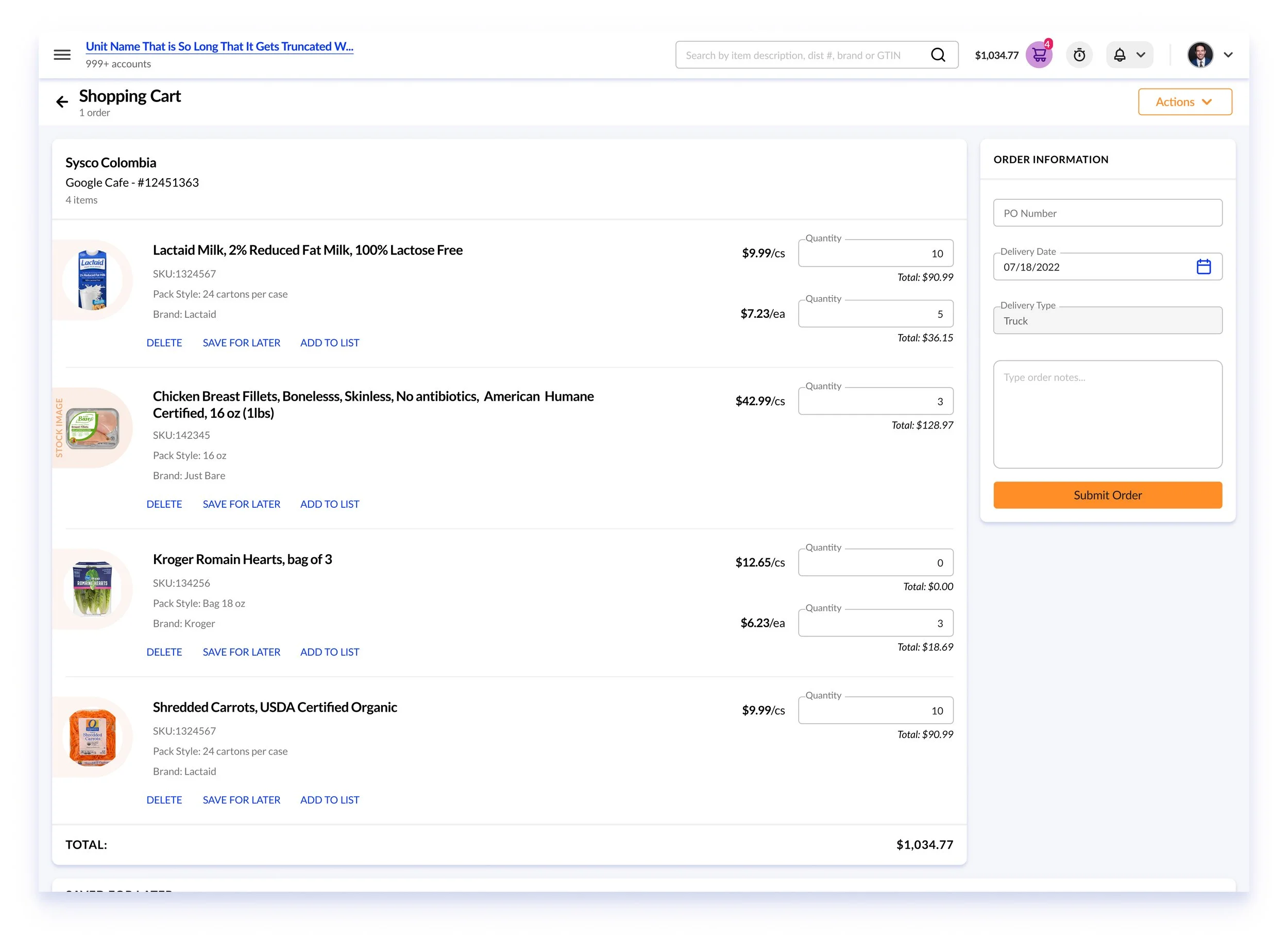
Camera-based lookup connected the physical product directly to the correct catalog item and shopping cart.
Barcode Scanning
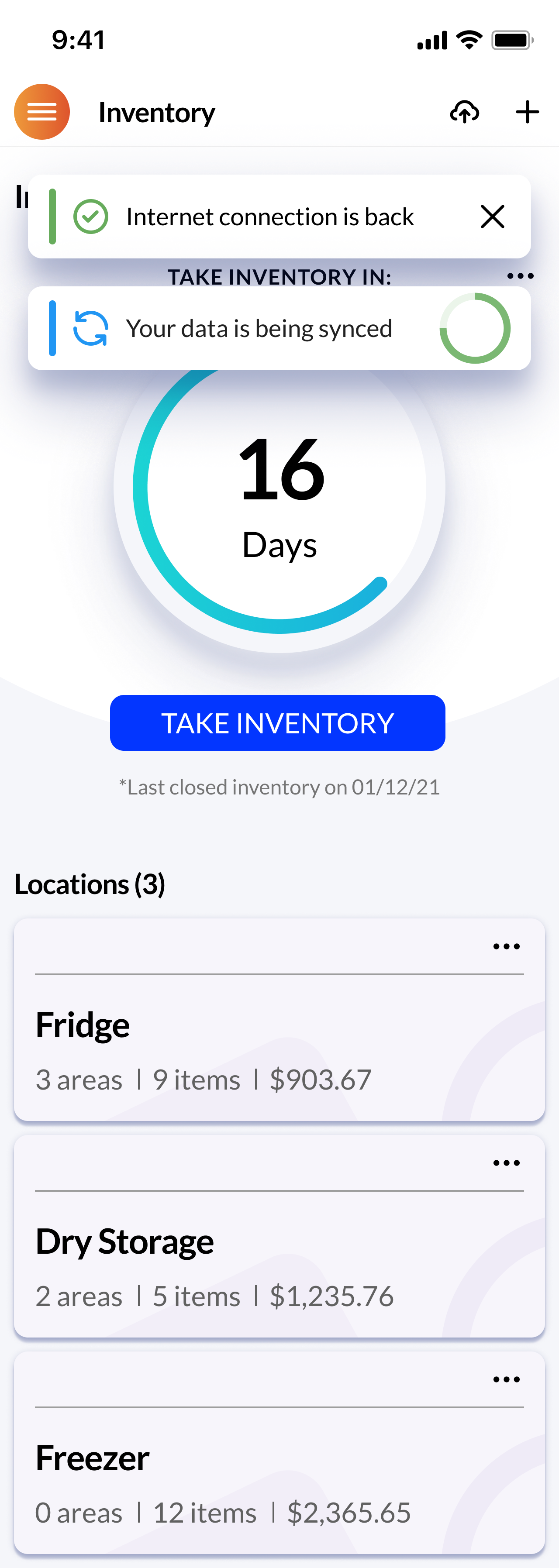
Offline synchronization
Counts persisted without service and synchronized automatically when the connection returned.
04 / IMPACT
Better mobility created measurable business value.
The redesigned native experience helped users complete essential work faster and supported broader product growth.
75%
higher task completion
80%
less time on task
25%
revenue growth
40%
customer acquisition
*Product and business outcomes reported for the OrderMaestro redesign during my tenure at iTradeNetwork.
05 / WHAT I LEARNED
Responsive design is not enough when the context of use has fundamentally changed.
The strongest decision was not to reproduce the desktop product on a smaller screen. It was about identifying the moments when mobility changed what users needed—and designing specifically for those moments.